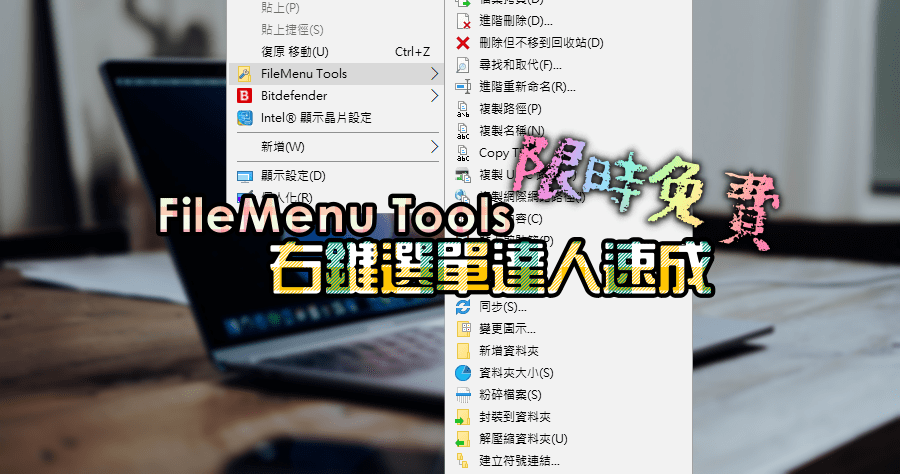
限時免費 FileMenu Tools 8.2.2 右鍵選單達人速成班,一款工具就搞定
- menumaid
- 右鍵選單 修改
- shellexview
- context menu editor 繁體中文免安裝
- 滑鼠右鍵選單
- 右鍵選單修改教學
- 修改滑鼠右鍵選單
- context menu editor 繁體
- Context Menu Editor
- 增加右鍵選單
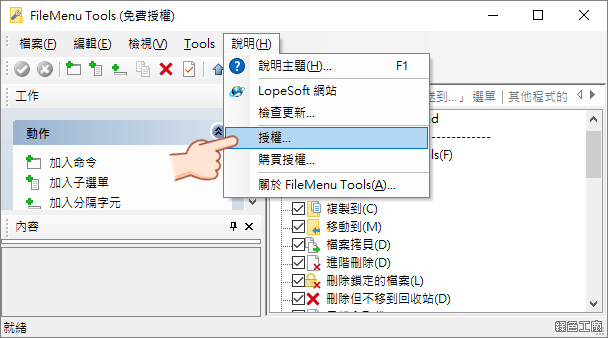 △ 開啟軟體後點選說明 > 授權
 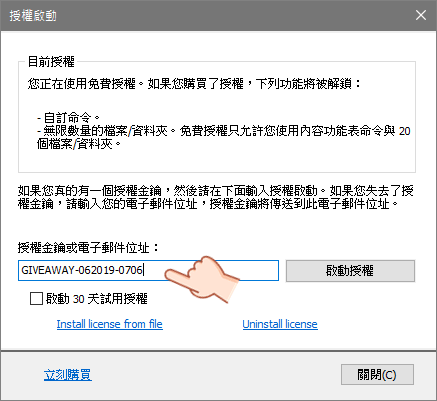 △ 將剛剛所取得的序號貼上,然後點選啟動授權。免費版本其實功能是足夠的,輸入授權之後可以自訂命令,以及能設定無限的檔案與資料夾。
 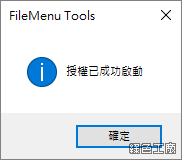 △ 看到以上畫面就代表啟用成功囉!
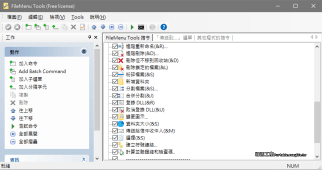
 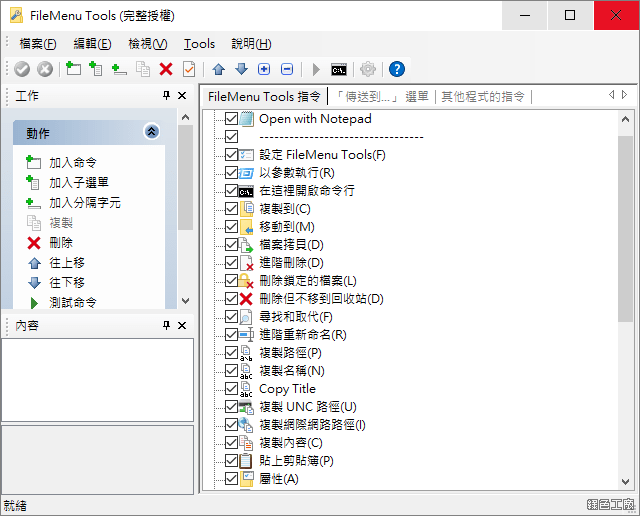 △ 內建有非常多項目,大家可以自己勾選想要的功能,基本上我覺得預設就很豐富。
 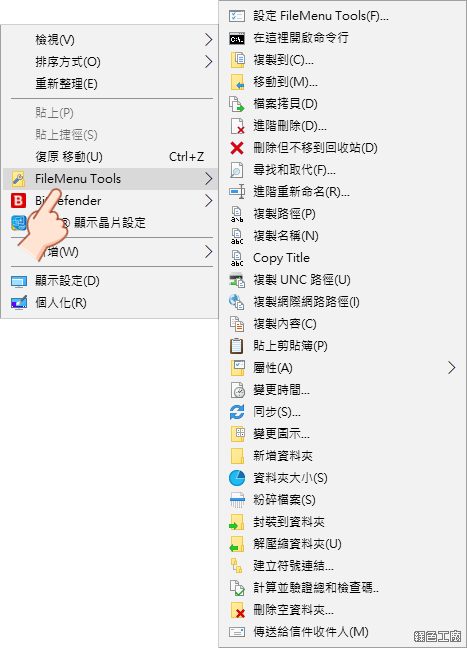 △ 功能真的很豐富,截圖給大家參考!我覺得資料夾大小的功能很實用,能很快找出佔據空間的檔案與資料夾。https://www.lopesoft.com/index.php/en/products/filemenutools安裝版:
FileMenu Tools 8.2.2.zip(GOOGLE下載)
FileMenu Tools 8.2.2.zip(1DRV下載)
FileMenu Tools 8.2.2.zip(MEDIAFIRE下載)
FileMenu Tools 8.2.2.zip(RAPIDGATOR下載)
FileMenu Tools 8.2.2.zip(MEGA下載)
檔案大小:10.78 MB免安裝版:
FileMenu Tools 8.2.2.7z(GOOGLE下載)
FileMenu Tools 8.2.2.7z(1DRV下載)
FileMenu Tools 8.2.2.7z(MEDIAFIRE下載)
FileMenu Tools 8.2.2.7z(RAPIDGATOR下載)
FileMenu Tools 8.2.2.7z(MEGA下載)
檔案大小:7.78 MB



![[限免] FileMenu Tools v7.8.4 終身免費版](https://i.ytimg.com/vi/B2hTdUgk8cg/hqdefault.jpg)