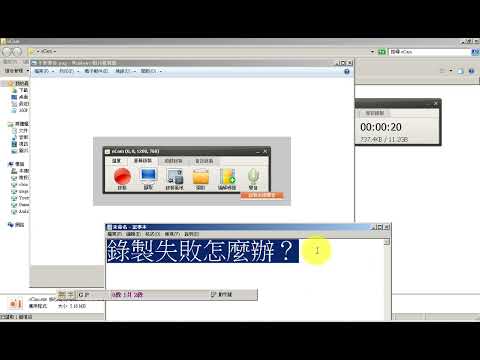
To solve the problem, you need to change the path to save the recording file. Click Tools-Options in Ocam. Click the Save category on the left and change the save path. By default, if you specify a path to the desktop, the desktop no longer gives an error